




Why use this tool
Use the enhancer on photos that look soft or lack visible detail. Results depend on the source image: enhancement cannot reliably recover every detail from a very small or heavily blurred image.
Download now to experience the full functionality
 iOS
 Android
 macOS
 Windows
Photo Enhancer
Use AI-assisted enhancement to adjust image resolution, clarity, or detail. Results depend on the source image; preview before saving.
No picture on hand? Try with one of these.




 Upload image
Or drag the picture here
All-round clarity repair

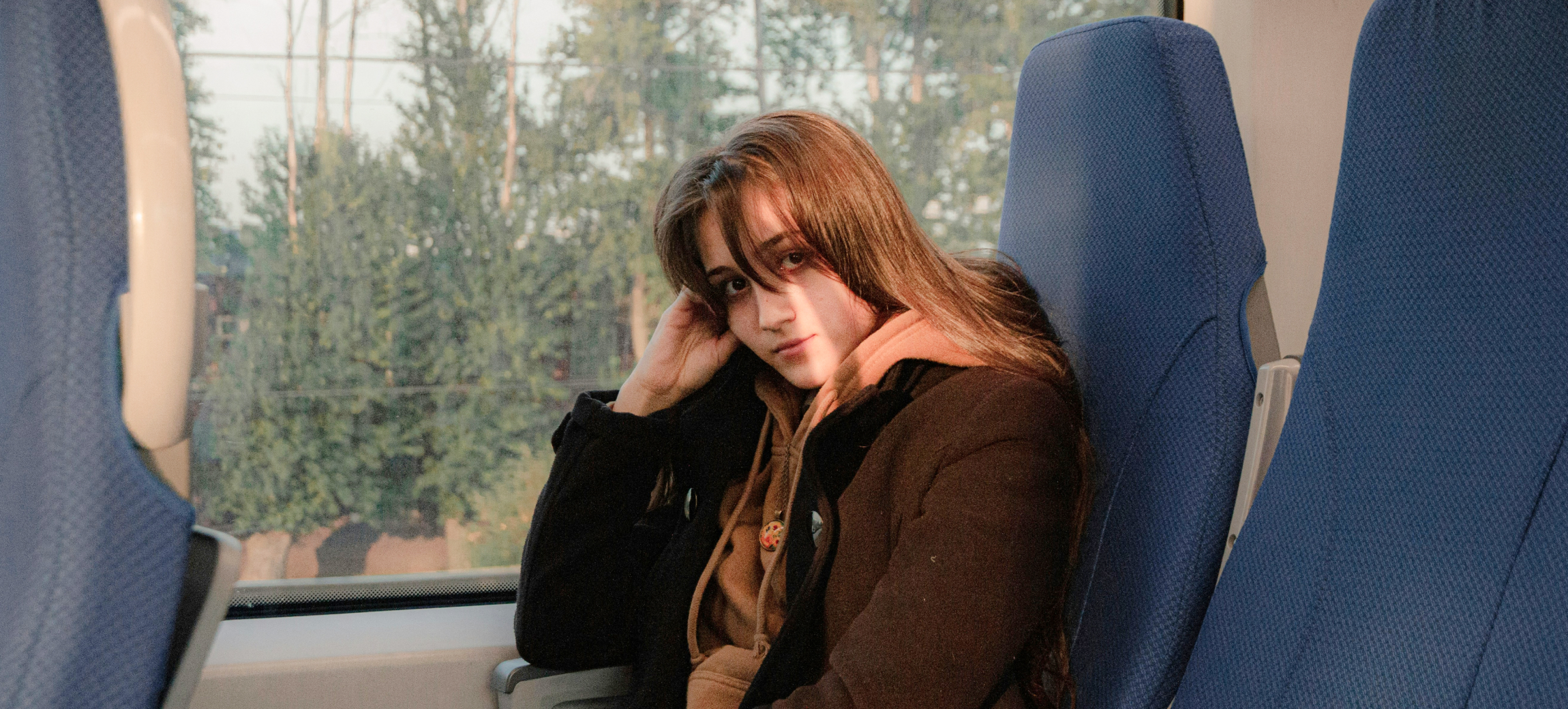


How to fix an image that lacks sharpness?
Smart Cutout
Batch background removal and background color replacement are available. Review the edges in each processed image.
Remove Objects
Brush over an object to remove it and preview the result. Complex backgrounds may need selection adjustments or another pass.
Blur Background
Apply blur to the background and preview the result. The effect depends on the source image.
Frequently Asked Questions
Explore the tool
Upload a photo and preview an AI-enhanced version before downloading.
Use the enhancer on photos that look soft or lack visible detail. Results depend on the source image: enhancement cannot reliably recover every detail from a very small or heavily blurred image.
No. Results depend on the original image; severe blur, compression and very low resolution can limit the result.
Available processing and download options depend on the account and the prompts shown in the editor.